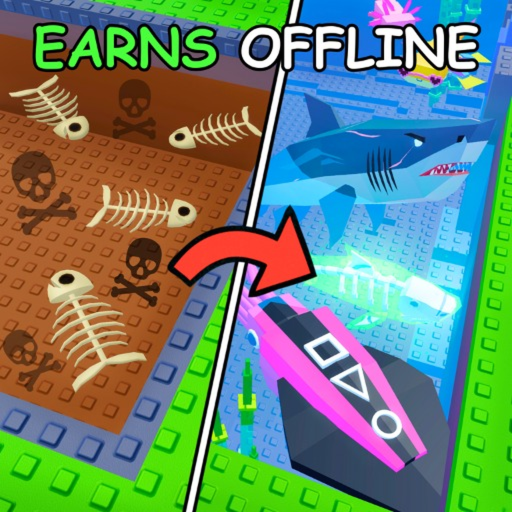
How to Dive and Fish in Own a Fish Pond
Own a Fish Pond's Roblox description promises you can "Fish, Buy or Dive for Fishes." The diving and fishing system adds wild-caught species beyond shop and bucket sources, essential for completing the full 64-fish dex.
Getting a Rod
Purchase basic rods from the Tool Shop or obtain them from codes (Stick Rod from FISHINGUPDATE, Coralith from FIXDECOR). Equip the rod from your inventory before approaching water zones.
Fishing Basics
Approach designated fishing or diving zones in the game world. Cast with left-click (PC) or tap (mobile). Complete the catch minigame when prompted. Caught fish go to inventory for pond placement or direct sale.
Diving Mechanics
Dive zones allow underwater fish capture with upgraded rods. Higher-tier rods catch rarer species. Worms can boost caught fish growth after placement. Community gameplay shows diving near the main pond area and market zones.
Fishing vs Shop vs Buckets
Fishing catches species not in the regular shop rotation. It complements rather than replaces shop purchases and bucket openings. Prioritize fishing after you have stable shop income and at least one mid-tier rod.
Frequently Asked Questions
How do I start fishing?
Equip a rod, go to a fishing zone, cast, and complete the catch minigame.
What is the best rod?
Coralith Rod from event codes. Fall Event Rod is another strong seasonal option.
Can fishing catch exclusive fish?
Yes. Some dex species are only obtainable through fishing, buckets, or events — not the shop.