Own a Fish Pond Controls
Own a Fish Pond uses standard Roblox controls with a few experience-specific UI buttons. The Codes button, Market interaction, bucket opening, and AFK chair all require knowing where to click or tap on your platform.
Shared UI Elements
Regardless of platform, these HUD buttons appear in fixed positions: Codes (top-right), inventory access, Market shop interface, and pond placement controls. The AFK chair activates when you sit in it near your pond.
Platform-Specific Pages
PC players use keyboard and mouse with full precision for fishing and diving. Mobile players use touch joysticks and tap interactions with slightly different camera behavior. See our dedicated PC and mobile control pages for complete binding lists.
Frequently Asked Questions
Where is the Codes button?
Top-right corner of the screen on all platforms.
How do I sit in the AFK chair?
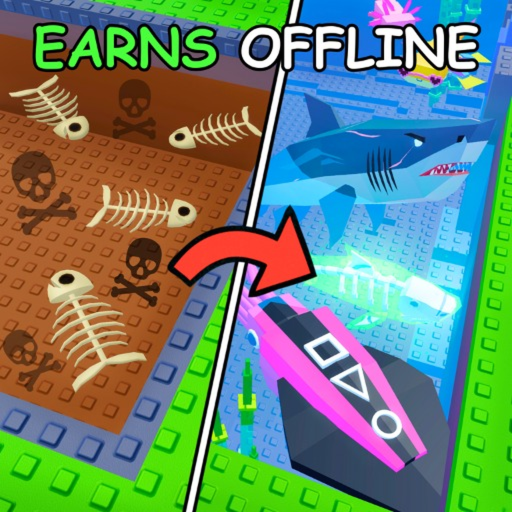
Walk to the chair near your pond and interact with it. AFK mode activates automatically, earning 100 Bubloons per minute.
Can I customize controls?
Roblox allows custom keybind changes in settings, but Own a Fish Pond does not have in-game control remapping.